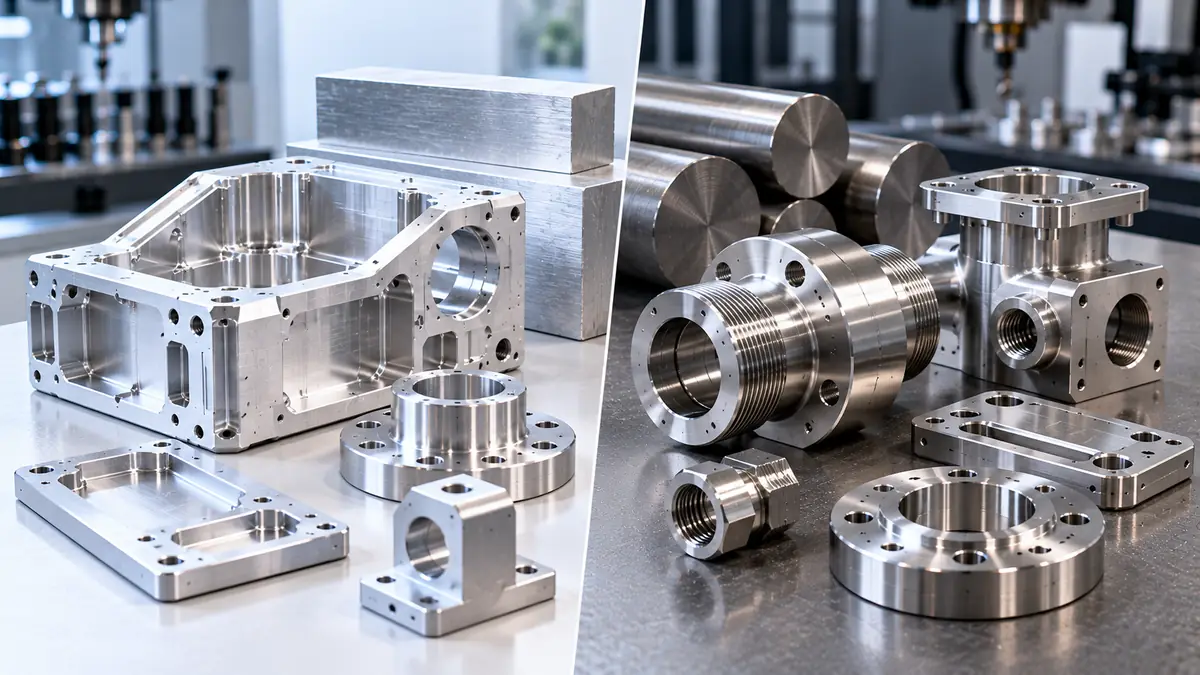
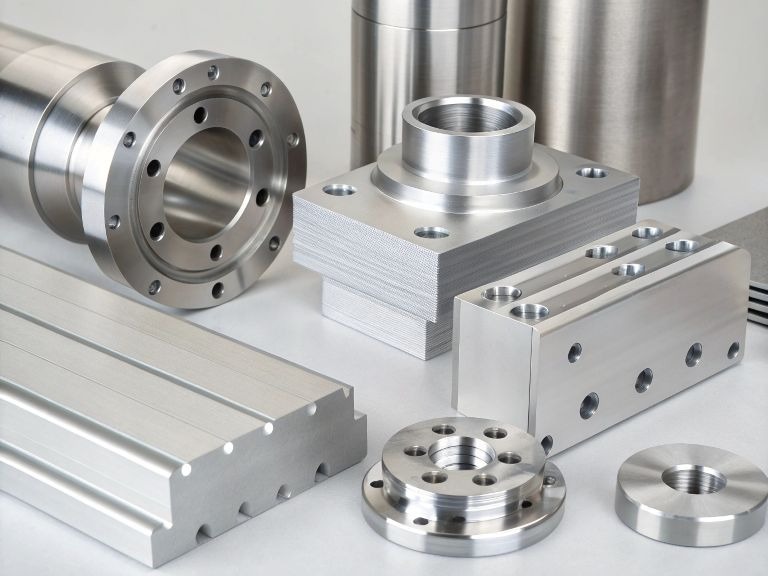
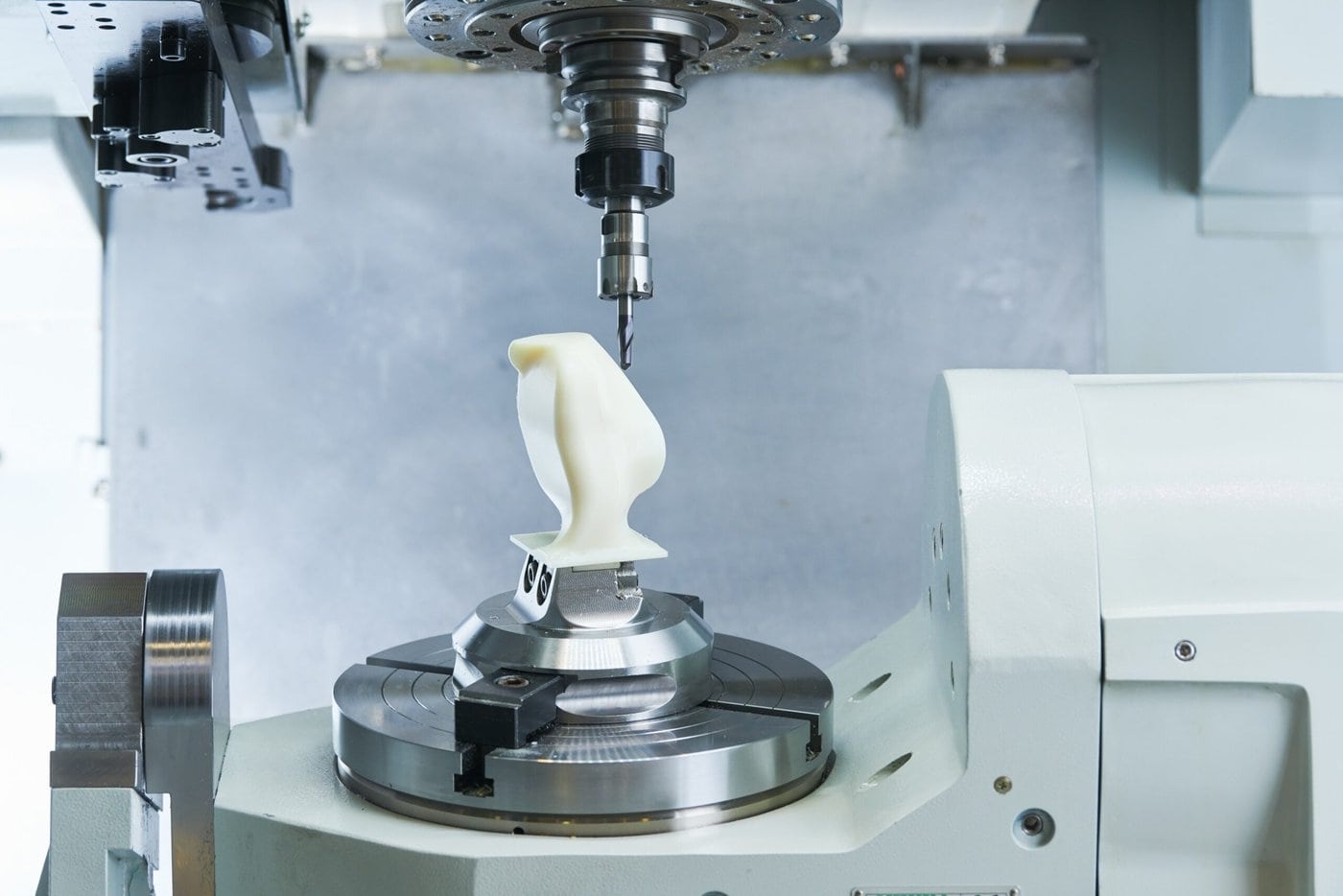
Need expert machining solutions? Our team at Tuowei Proto is here to assist with all your manufacturing needs. Get in touch today for a quote on your ongoing or upcoming projects!
The CAD industry is rapidly evolving, with cloud adoption transforming traditional design workflows. At the forefront are Onshape and Fusion360, two leaders in the CAD in the cloud domain. Both offer powerful cloud-based 3D CAD platforms that redefine how designers and engineers collaborate, model, and manufacture products.
Whether you’re a hobbyist, small business, or a professional CAD user, understanding the differences between Fusion 360 or Onshape is essential to selecting the best CAD package for your needs.
The answer to the question of Fusion360 or Onshape usually depends on the intended use of the software.
Fusion 360 is a product by Autodesk that brings together CAD, CAM, CAE, and PCB design, thus is the best design solution to product designers, engineers, and CNC professionals who require a total design to sketches, rendering and manufacturing. Its generative design nature enables the user to experiment with many iterations.
Onshape on the other hand is all cloud based, allowing real time collaboration, file management, and version control. Because the cloud-based CAD platform is accessible by teams at once, it eliminates anxiety about local computer power or network servers. Onshape is online, and ideal in collaboration by organizations with dispersed teams.
| Feature | Fusion 360 | Onshape |
| Primary Market Segment | Hobbyists, Small Businesses | Collaborative Teams, Enterprises |
| Real-Time Collaboration | Moderate (requires internet) | Excellent (real-time editing) |
| Generative Design | Advanced fusion’s tools included | Limited, mostly CAD-focused |
| Cloud-Based Features | Hybrid cloud/local | Fully cloud-based CAD |
| File Management | Local files + cloud sync | Built-in file management in cloud |
Hardware requirements differ significantly between Fusion360 and Onshape due to their design philosophies.
Fusion’s model runs on a local computer, integrating cloud-based features for file sharing, collaboration, and rendering. Users must meet hardware requirements for optimal performance.
| Feature | Fusion 360 |
| OS Support | Windows, macOS |
| Minimum RAM | 4 GB |
| Recommended RAM | 8 GB or higher |
| Graphics | Dedicated GPU recommended |
| Storage | Local + Cloud sync |
| Offline Work | Limited (without the internet) |
Onshape runs entirely in a browser, making it cross-platform and accessible on virtually any device. Users don’t need to worry about local computer performance.
| Feature | Onshape |
| OS Support | Web-based (cross-platform) |
| Minimum RAM | 4 GB |
| Recommended RAM | 8 GB |
| Graphics | Browser-based; depends on internet |
| Offline Work | Not supported (without the internet) |
| App Marketplace | Onshape App Store for add-ons |
The user community plays a key role in adopting professional CAD solutions.
Fusion 360 has a large and active user base, backed by Autodesk. Users benefit from in-app help, tutorials, and extensive forums. Its steep learning curve is mitigated by resources that help create a sketch, assemble designs, and execute advanced features like generative design or rendering.
Onshape excels in community-driven collaboration. Being cloud-based, its users can share files, provide feedback in real-time, and leverage the Onshape App Store to extend functionality. For team projects, Onshape’s community ensures smooth workflows and knowledge sharing.
| Community Feature | Fusion 360 | Onshape |
| User Base | 4.6 Million+ | 4 Million+ |
| Support Channels | Tutorials, Forums, In-app help | Forums, Webinars, App Store |
| Learning Curve | Moderate to steep learning curve | Moderate, easier for team collaboration |
| Collaboration | Limited real-time | Full real-time collaboration |
Pricing differences reflect each platform’s focus: professional CAD for individual vs team-oriented solutions.
| Feature | Fusion 360 | Onshape |
| Pricing Model | Monthly, Annual, or 3-Year Plans | Annual Subscription (Professional & Enterprise) |
| Monthly Cost | $85/month | $2,100/year (Professional) |
| Free Version | Completely free for students and hobbyists | No free version |
| Educational Access | Free for students, discounted startups | Free educational licenses |
Fusion 360 is budget-friendly while offering a level CAD system with advanced features, whereas Onshape is priced for enterprise-level teams requiring robust collaboration.
For individuals and small teams, Fusion360 offers professional CAD tools that are relatively easy to learn and use. You can create a sketch, design assemblies, execute 2D and 3D rendering, and generate CNC-ready files—all within a single platform. Its hybrid cloud approach allows some offline work, unlike Onshape, which is fully cloud-dependent.
I made the switch from NX to Onshape and Fusion360 due to flexibility and cloud-based CAD advantages. Onshape’s cloud-based workflow enabled real-time collaboration across remote teams. Later, Fusion 360’s integration with CAM, generative design, and local computer rendering provided a complete product design workflow.
Both platforms are direct competitors, but their strengths differ depending on workflow and collaboration needs.
Onshape was founded by SolidWorks co-creator Jon Hirschtick as a cloud-based 3D CAD platform. Acquired by PTC, it focused on real-time file management, collaboration, and cross-platform access. Its professional CAD capabilities rival traditional desktop software while offering unique cloud advantages.
Onshape excels in team-based environments where file management, real-time collaboration, and cloud-based CAD are essential.
Fusion360, while offering collaboration tools, relies on a hybrid model. Teams must sync designs to the
cloud to collaborate in real-time, and large CNC projects may require local rendering power.
| Feature | Fusion 360 | Onshape |
| Collaboration | Cloud sync required | Built-in real-time |
| Version Control | Moderate | Excellent |
| Team Size | Small to Medium | Medium to Large |
| Remote Access | Yes, via cloud | Fully cloud-based |
Fusion 360: Ideal with hobbyists and small businesses as well as those that require a level CAD system with CNC and generative design capabilities. It is comparatively learner friendly, integrates CAM and can be off-line when needed.
Onshape: Ideal in large, distributed teams that require real time collaboration and cross platform access with strong cloud based file management.
Finally, the two platforms are first-time rivals with their own distinct benefits. This is a matter of workflow, collaboration requirement, budget, and offline provision.
Are you willing to realize your ideas with accuracy and effectiveness? You can visit Tuowei Mockup to see what they do and get a free quote. Their project team of professionals is committed to bringing your ideas into real prototypes to make sure that your projects proceed without hitches.
Fusion® is a comprehensive CAD, CAM, and CAE platform focused on design-to-manufacturing integration, while Onshape® is a cloud-native platform excelling in real-time collaboration and version control.
Onshape® is ideal for large enterprises that prioritize collaboration, data management, and real-time team interaction, with its advanced product data management (PDM) capabilities.
Fusion® offers free personal-use licenses, while Onshape® does not have a free version but provides free educational licenses for students and educators.
Fusion® is highly recommended for hobbyists and small businesses due to its affordable pricing and extensive features like CAD, CAM, and PCB design in a single platform.
Yes, Onshape® is browser-based and works seamlessly on mobile devices, while Fusion® can be accessed via mobile with some limitations in functionality compared to desktop.
Yes — Fusion 360 includes CAM (Computer-Aided Manufacturing) features in its free access plan for students, educators, and educational institutions.

Written by Andy, Manufacturing Engineer at TUOWEI Precision. Andy specializes in CNC machining, precision manufacturing, and production engineering, with hands-on experience supporting projects from rapid prototyping through full-scale production. He works closely with engineering and manufacturing teams to evaluate materials, tolerances, machining processes, and design manufacturability. His articles provide practical, technically informed insights to help engineers and buyers make better manufacturing decisions, optimize production efficiency, and achieve consistent part quality. Explore TUOWEI Precision’s CNC machining and custom manufacturing solutions for your next project.
From rapid prototypes to scalable production, Tuowei Precision delivers reliable CNC machining with accuracy and consistency at every step. Start your project today.
Keep updated on the real CNC machining, industry trends, and production insights in Tuowei Precision, but is installed to enable you to make better production decisions.